Leghari rejects reports of subsidy withdrawal for protected power consumers
Updated 52 minutes ago

Fingerprint issues for online passport applicants resolved with new verification system
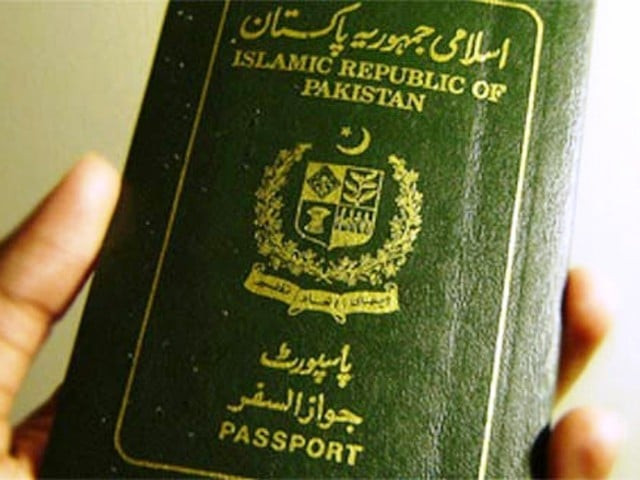
The Passports Department has launched a new online verification system that resolves the technical issues previously affecting the fingerprint verification of online passport applicants.
Applicants will now be able to verify their fingerprints through NADRA’s Pak ID app. If fingerprint verification fails, a facial verification option will also be available.
According to DG Passports Mustafa Jamal Qazi, overseas Pakistanis had been reporting frequent problems with online biometric verification. With this new facility, overseas Pakistanis and senior citizens are expected to benefit the most.
The DG Passports added that every possible modern facility is being introduced for the convenience of citizens, saying the upgrade is part of a broader shift toward digitisation to make passport services more accessible for the public.
How overseas Pakistanis can verify fingerprints online
Overseas applicants using the DGIP online passport system must now complete biometric verification through the NADRA Pak-ID mobile app. The department says the new system is designed to remove recurring verification errors.
Here’s how the new process works:
Start the online passport application on the DGIP e-Services portal and note the Passport Tracking ID displayed at the biometric stage.
Open the Pak-ID mobile app and select Online Passport.
Enter your CNIC number and the Tracking ID to link the application.
Capture and submit fingerprints using the app’s camera-based tool.
If fingerprints cannot be captured, the facial verification option may be used instead.
Once verified in the app, the DGIP portal automatically updates the biometric status, allowing the applicant to complete payment and submission.















This material may not be published, broadcast, rewritten, redistributed or derived from. Unless otherwise stated, all content is copyrighted © 2026 The Express Tribune.






COMMENTS (10)
Comments are moderated and generally will be posted if they are on-topic and not abusive.
For more information, please see our Comments FAQ